1. Download the App, Create an Account
You can use LoneComply both in your browser and in the mobile app. Typically, you start in the app to create an account for your company.
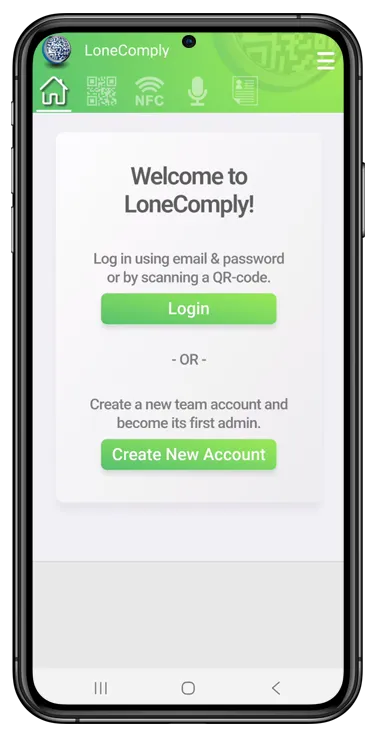
Download the app:
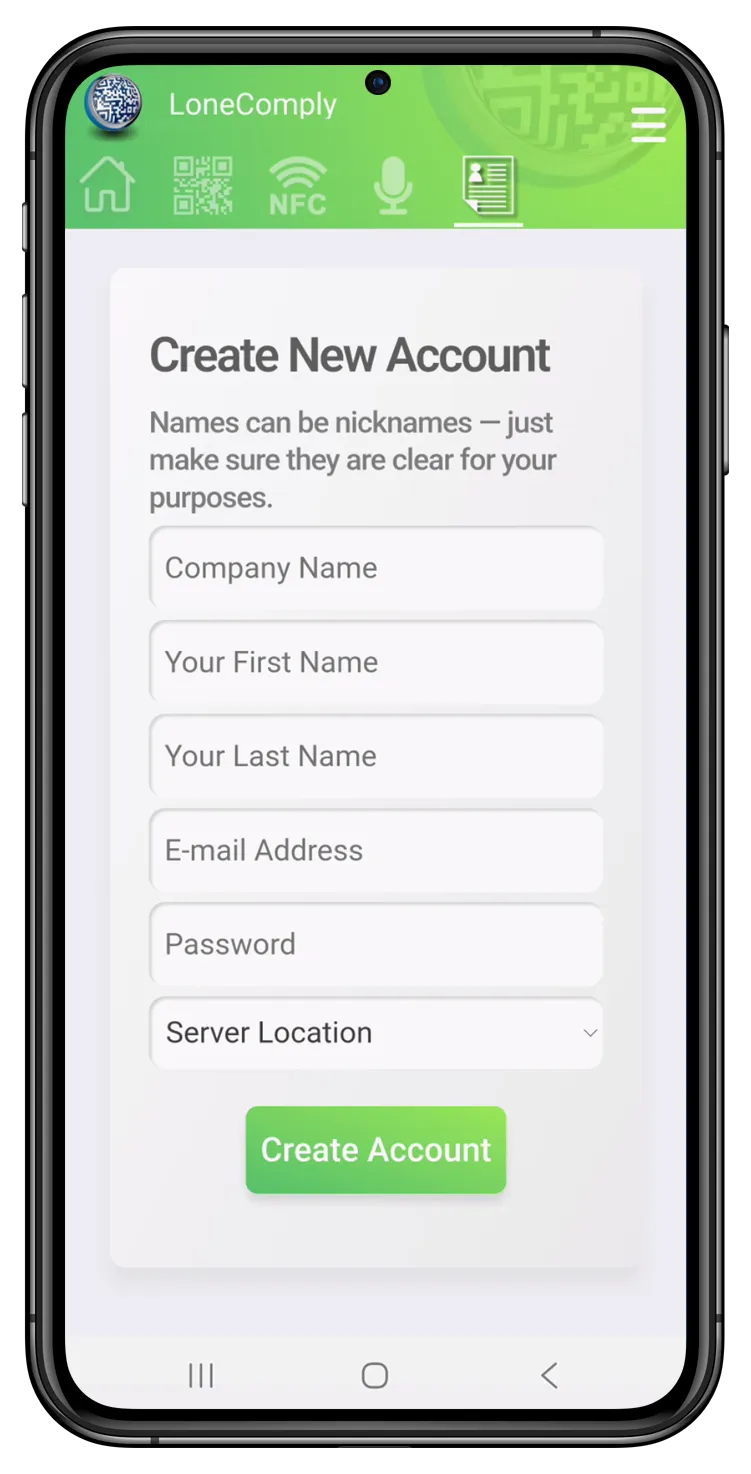
In the app, you can create a new account:
- Company: The name of your company. If you have several departments that perform isolated work, you can define them later.
- Names: These can be nicknames. Please choose something that allows you to easily identify persons. We will not forward any personal information to anyone.
- Email: You need at least this email address to create an account. We will send your email confirmation link to this address, and it will always be one way to log in to the system.
- Password: Please use at least five characters or digits.
Next: Set up your organization and the team:Step 2